TL;DR: the Quantum Fiber W1700K router has a hidden Silicon Labs EFR32MG21 radio chip inside it; this project reverse-engineers it and flashes it to run BLE, Zigbee, or Thread firmware, turning a cheap ISP router into an open IoT radio hub. Firmware, scripts, and build tooling are on GitHub at doer-ee/w1700k-mg21-radio — see the Quick Start if you just want to flash it and go.
I picked this router up off ebay for about $23 (learn how) for its dual 10 GbE ports and Wi-Fi 7 support — a genuinely good deal on the networking hardware alone. But while I was playing with it, I found something a lot more interesting than fast Ethernet.
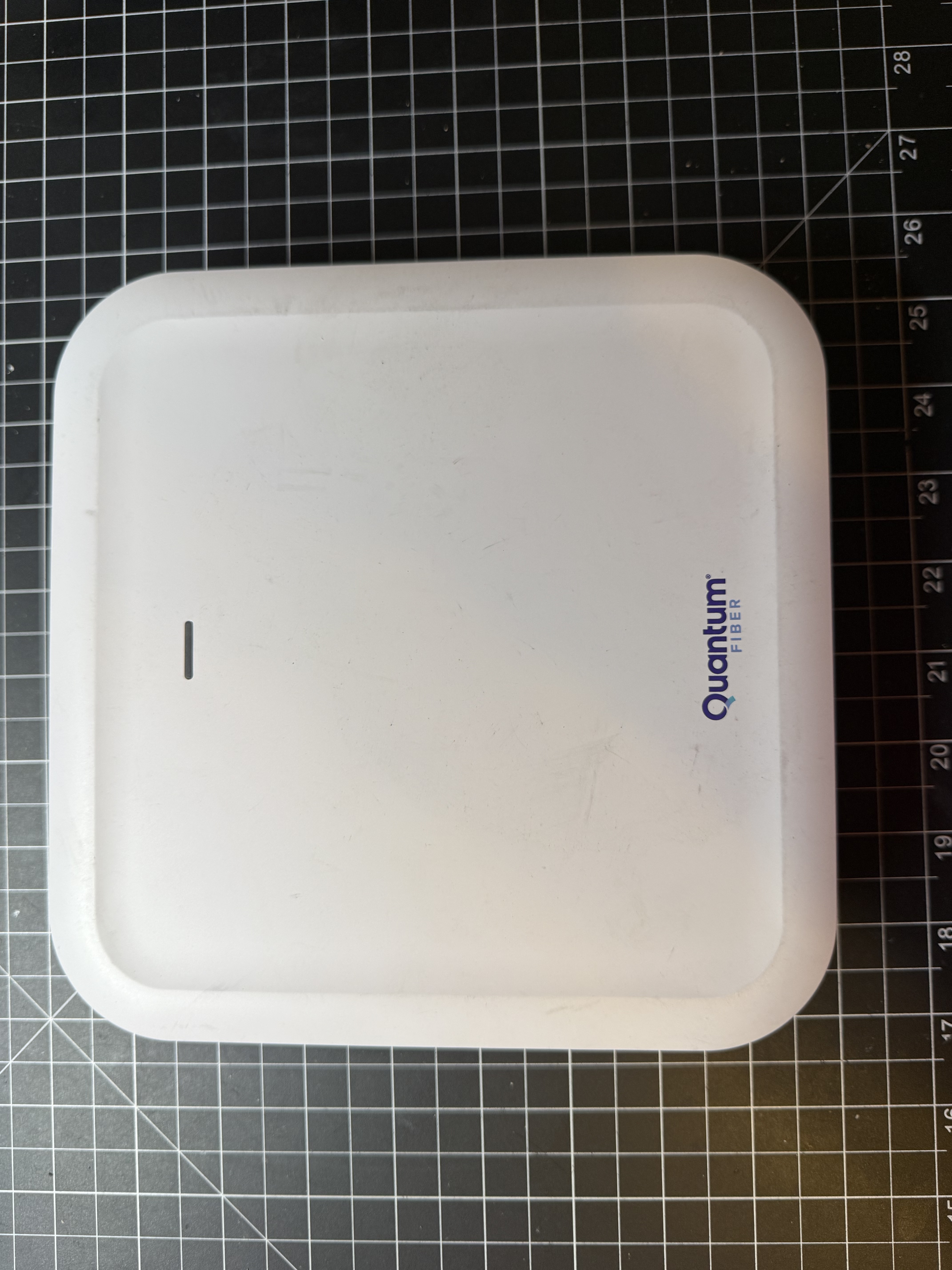
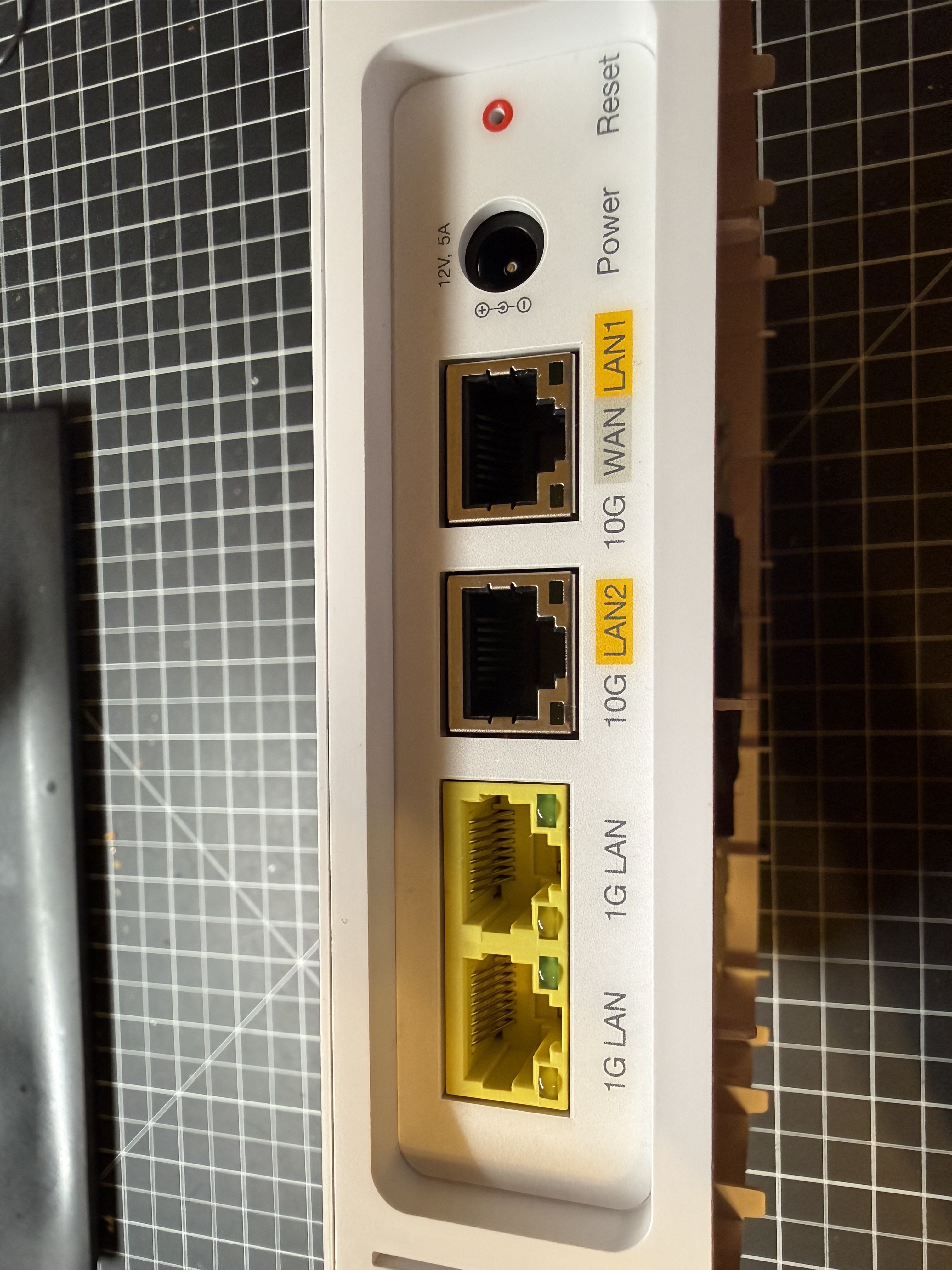
The Quantum Fiber W1700K, also sold under its OEM identity as the Gemtek MXF-W1700K, is an ISP-issued router built around an Airoha AN7581GT system-on-chip: four Cortex-A53 cores, an eight-core RISC-V network processing unit, 2 GB of RAM, dual 10 GbE ports plus dual 1 GbE, and tri-band Wi-Fi 7 with 6 GHz EHT320 support. It also carries an Airoha AG3352Q GNSS receiver, ostensibly there to support 6 GHz Automated Frequency Coordination geolocation.
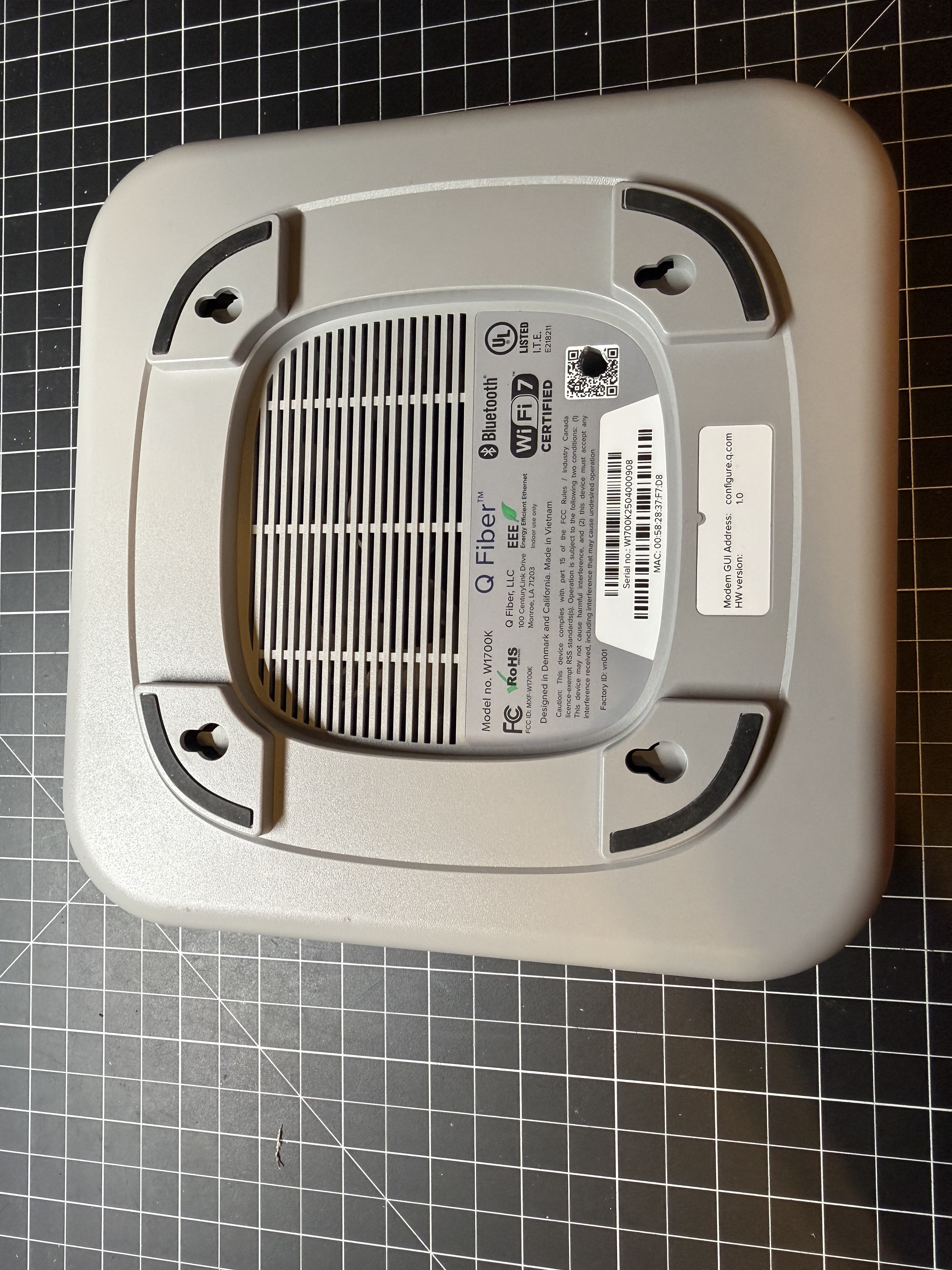
None of that is what this project is about. Tucked next to the Wi-Fi radio, in its own small QFN32 package, the W1700K also contains a Silicon Labs EFR32MG21A010F512IM32, a 2.4 GHz multiprotocol wireless SoC. Out of the box it runs a minimal stock Bluetooth Low Energy application used for phone-app pairing and provisioning. But the same silicon is equally capable of running Zigbee or Thread firmware, because BLE, Zigbee, and Thread are just different application images loaded onto the same physical radio, the same antenna, and the same Gecko Bootloader. Silicon Labs’ own naming for this chip family, Mighty21, is apt: it is a single 64 KB-RAM, 512 KB-flash MCU asked to be one of three different radios depending on what firmware it is currently running.
That is the one important architectural fact to hold onto throughout this whole series: the W1700K does not have three separate BLE, Zigbee, and Thread radios. It has one EFR32MG21, with 64 KB of RAM, running one application image at a time. A multiprotocol image combining two of BLE/Zigbee/Thread on the radio simultaneously (Silicon Labs’ CPC stack exists for exactly this) is plausible and not ruled out by anything found here; all three at once is unlikely to fit in 64 KB. This project deliberately scoped itself to one protocol at a time: bring up BLE, then reflash to Zigbee, then reflash to Thread, rather than attempting a combined multiprotocol image. Running BLE this way means the MG21 is not simultaneously available as a Zigbee coordinator or a Thread border router’s radio co-processor; switching protocols means stopping the current host service, reflashing the MG21’s application region, and starting the next one.
The goal of this project is to take that one radio, which an ISP would otherwise have locked away as a diagnostic curiosity for their own phone app, and turn it into a general-purpose IoT radio hub for a home network, running BLE, Zigbee, or Thread firmware as needed, entirely independent of the router’s stock firmware. Since the hardware and the router itself already exist as an installed ISP appliance, the marginal cost of this second life is close to zero.
Getting there required first getting off the stock ISP firmware entirely, then reverse-engineering the hardware: finding an undocumented debug connector, figuring out the exact silicon security state, characterizing a completely undocumented host-to-radio UART protocol, and building a firmware-flashing pipeline from scratch. From there, each radio personality (BLE, Zigbee, Thread) came with its own bring-up story, its own bugs, and its own integration into a real smart-home setup.
Chapters
- Quick Start — just want to flash it and use it? Start here.
- Flashing OpenWrt — getting the router off its stock ISP firmware and onto OpenWrt via a UART console and a fragile U-Boot TFTP chainload.
- Reverse Engineering Process — locating the MG21, mapping its debug connector, dumping and analyzing the stock firmware, and reverse-engineering the UART DFU protocol used to reflash it.
- BLE Firmware — bringing up a custom Bluetooth LE NCP image and building a passive scanner for Govee BLE thermo-hygrometers as an example.
- Zigbee Firmware — bringing up a Zigbee NCP image, pairing an IKEA PARASOLL door sensor, and integrating with Zigbee2MQTT and Home Assistant.
- Native OTBR — migrating Thread Border Router hosting onto the router itself, commissioning a Matter-over-Thread smart plug, and chasing down a crash bug with live SWD debugging.
Source
Firmware, flashing scripts, and build tooling: github.com/doer-ee/w1700k-mg21-radio