The Problem
When playing media on your iPhone, the “Now Playing” screen automatically appears on your Apple Watch. This automatic behavior can be frustrating if you prefer to see your watch face instead.
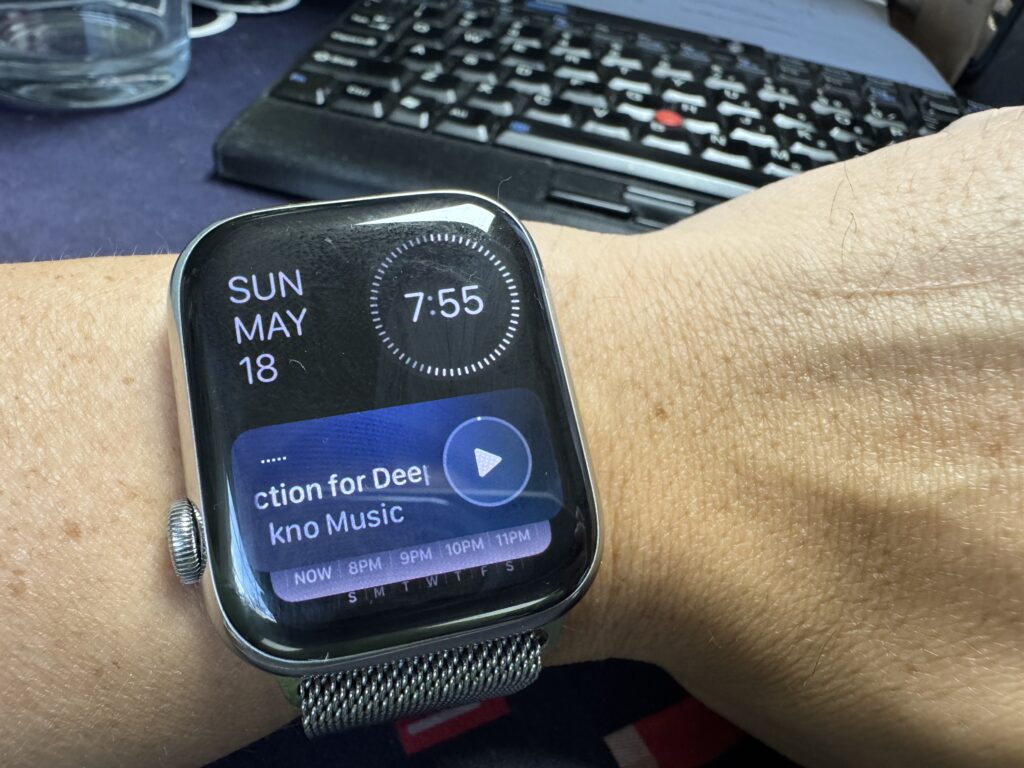
The Solution
This feature is part of “Live Activities” on your Apple Watch. Here’s how to disable it:
- Open Settings on your Apple Watch
- Navigate to General → Auto-Launch
- Select Live Activities Settings
Options
- Disable all Live Activities: Toggle off “Allow Live Activities”
- Selectively disable Media Controls: For a more tailored approach, scroll down to “Media Apps” and turn off “Allow Live Activities” just under that.
By disabling just the Media Apps setting, you’ll no longer see the “Now Playing” screen when playing videos or music on your iPhone, while still keeping useful Live Activities like workouts and timers active.